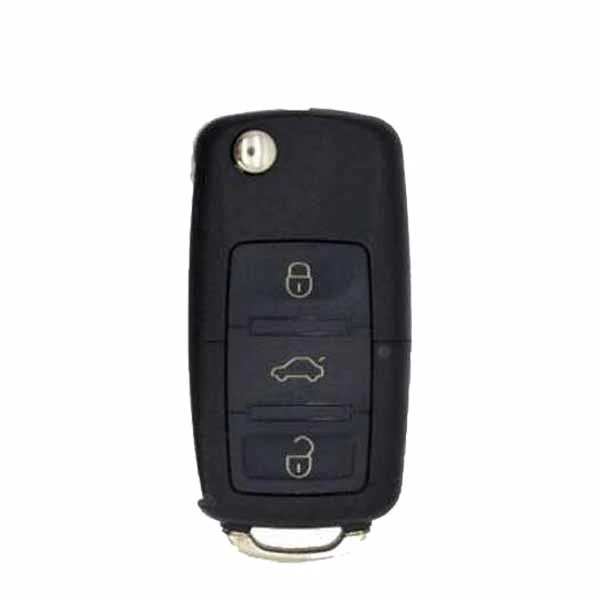
Volkswagen B5 Style / XKB521EN / 3-Button Universal Remote Key for VVDI Key Tool (Wired) (Replacement For XKB511EN)
For this second version (XKB521EN), the shell is the same, and the only difference is on the inside of the PCB. The old one is green, and the new one is red, with the following functions upgraded:
- Supports wireless programming
- Lower power consumption
- Enhanced anti-static protection
- Brand New
- Model: XKB521EN (Replacement for XKB511EN)
- Manufacturer: Xhorse
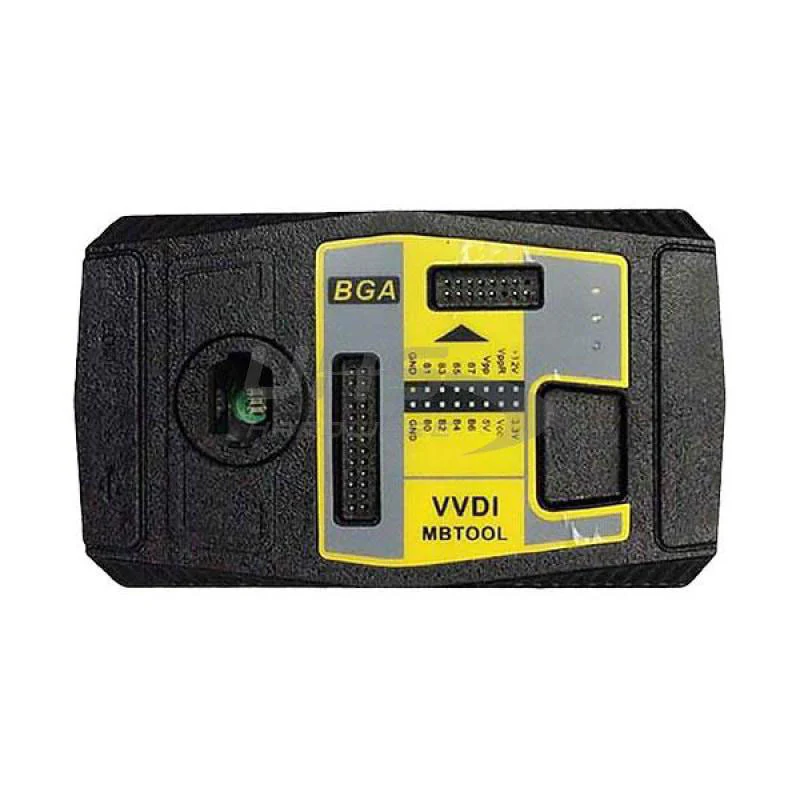
- Compatible w/ Programming Tool VVDI Key Tool
- Required Battery CR2032
- VW Volkswagen Style
- 3-Button Remote: Lock, Unlock, Trunk
- Connection: Wired
Instructions for Use:
- Open remote and remove battery
- Connect data cable to white connector on remote PCB board and plug into VVDI Key Tool
- Using the VVDI Key Tool, select Product Remote and select the remote you would like to generate
- Disconnect cable, reinsert battery, and reassemble remote. Install proper chip and blade for your application.
- Program remove to vehicle as you would an OEM remote
PLEASE NOTE THAT THESE REMOTES DO NOT COME WITH BATTERIES INCLUDED. YOU WILL NEED TO HAVE THE CR2032 BATTERY READY TO INSTALL YOURSELF.
Original: $10.95
-65%$10.95
$3.83Product Information
Product Information
Shipping & Returns
Shipping & Returns
Description
For this second version (XKB521EN), the shell is the same, and the only difference is on the inside of the PCB. The old one is green, and the new one is red, with the following functions upgraded:
- Supports wireless programming
- Lower power consumption
- Enhanced anti-static protection
- Brand New
- Model: XKB521EN (Replacement for XKB511EN)
- Manufacturer: Xhorse
- Compatible w/ Programming Tool VVDI Key Tool
- Required Battery CR2032
- VW Volkswagen Style
- 3-Button Remote: Lock, Unlock, Trunk
- Connection: Wired
Instructions for Use:
- Open remote and remove battery
- Connect data cable to white connector on remote PCB board and plug into VVDI Key Tool
- Using the VVDI Key Tool, select Product Remote and select the remote you would like to generate
- Disconnect cable, reinsert battery, and reassemble remote. Install proper chip and blade for your application.
- Program remove to vehicle as you would an OEM remote
PLEASE NOTE THAT THESE REMOTES DO NOT COME WITH BATTERIES INCLUDED. YOU WILL NEED TO HAVE THE CR2032 BATTERY READY TO INSTALL YOURSELF.