
Handy Baby II Auto Key Programmer / Cloning Kit w/ Universal Remotes & Case for 4D / 46 /48 / G Chip Cloning
JMD-HB2-CASE
The Handy Baby II / Handy Baby 2 is the new version of the classic Handy Baby Key Programmer and Chip Cloner.
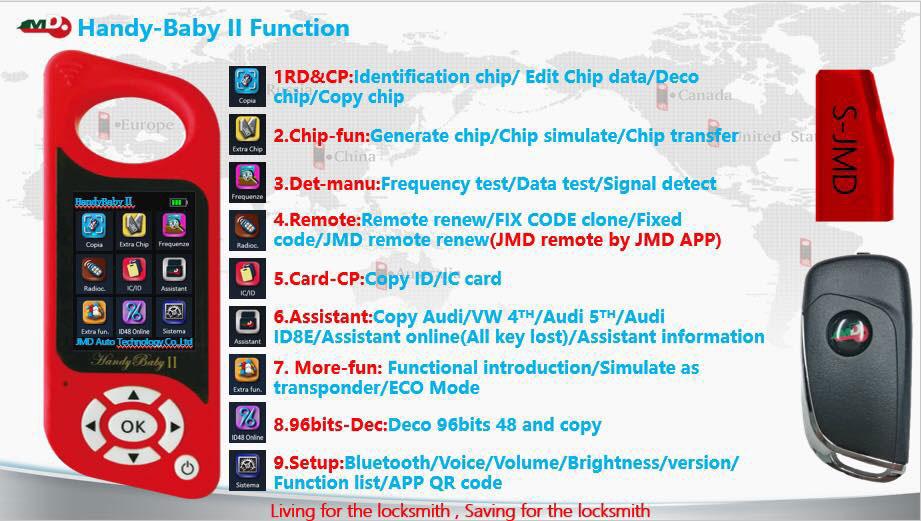
Features
- Read and Write Chips
- Clone Chips 4D / 46 /48 / G Chip
- Frequency Detection
- Custom 46/48/4D Chip Simulation
- 46/48/4D Cloude Decode
- Access Card Copy
- Smart Card Unlocking
- Remote Control Generation
- Intelligent Voice System
- Remote Control Garage Door Copy
- 8C Generation copy
- Wireless Bluetooth and APP
- 35XX all keys lost
- MQB+ adjusting meter
- T5/ 47/ AES Simulation
- 40 / 42 / 44 Generation Copy
SOFTWARE DOWNLOAD AVAILABLE HERE
Package includes
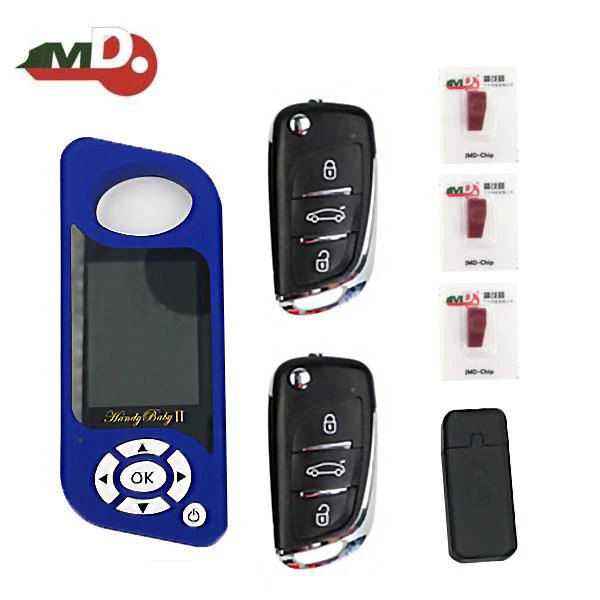
- 1 Handy Baby II
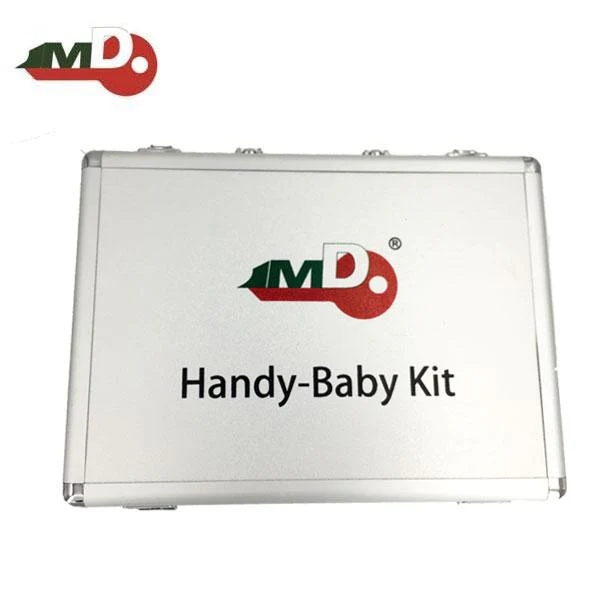
- 1 Aluminum Carrying Case
- 3 JMD Red Chip
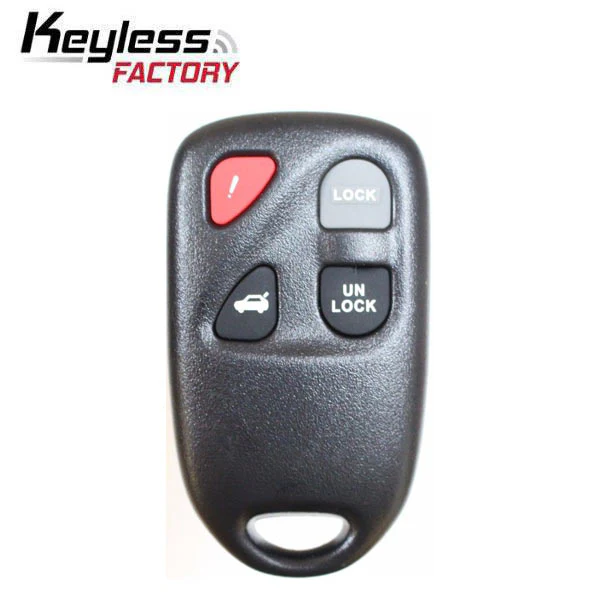
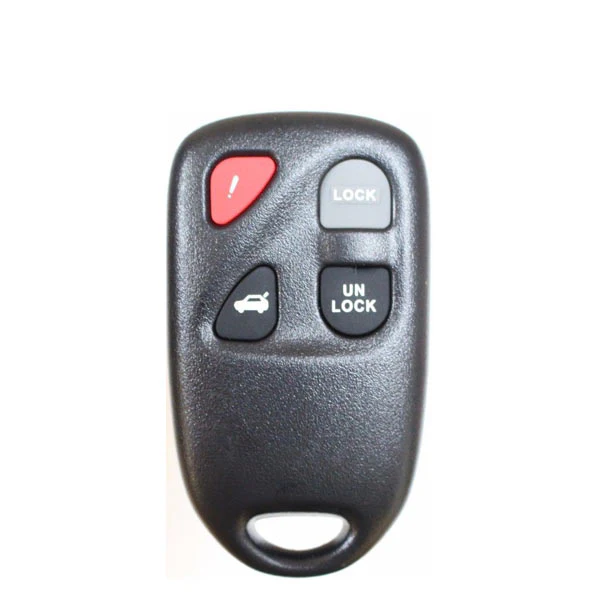
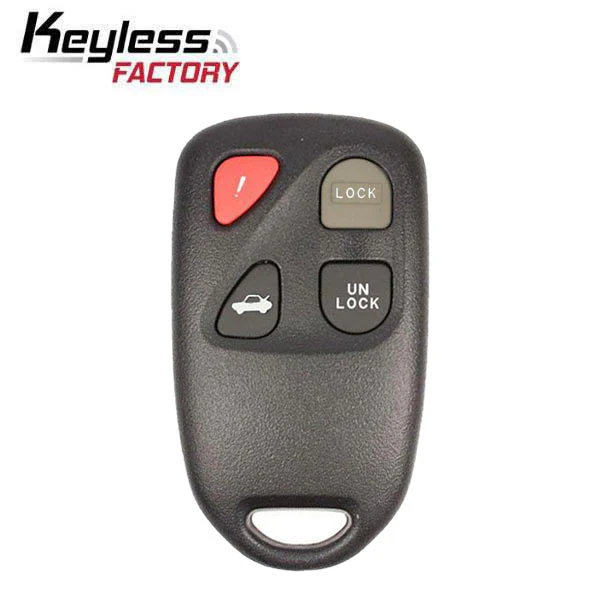
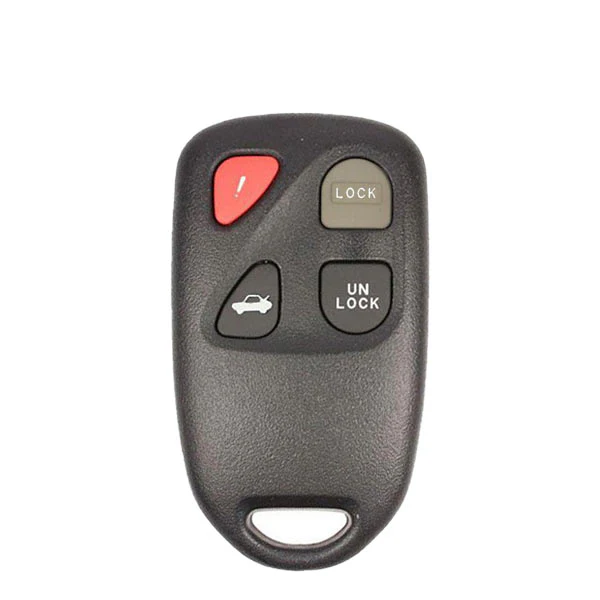
- 2 JMD Universal Remotes
- 1 Collector
- 2 Cables
Key Copy Programmer Recognize and Copy:
Recognize: Recognize chip 13, 40/41/42/44/45, 4C/46/48, 4D61/62/63/67/68/68﹢/71. Able to tell if 48 chip is from original or deputy factory.
Copy: Copy 46, 4D and a partial of original 48 I.E Buick Excelle, you have to use special GMT46/4D Chips, ID48 chips which can change ID.
Operation steps:
Turn on: long press the “On” button.
Turn off: long press the “On / off” button or “On / off” and “OK” button
Steps to operate: follow the tips on the screen, put the original key into the coil, press “OK” to recognize.
Take chip 46, 4D and 48 for example.
Steps to copy 46:
1. Press “OK” to decode
2. Make antenna close to coil
3. Insert and turn the key (collection)
4. Put original key into coil to decode
5. Put new key into coil to copy
Steps to copy 4D:
Press “OK” to decode, then put new key into coil to copy.
Steps to copy 48:
Press “OK” to decode, then put new key into coil to copy.
Handy Baby Key Copy Programmer Initialize:
Please use with caution: only available for JMD46 / 4D and revisable UID48 chip. The data won’t be restored after the chip erased.
Enter program, select the chip type, press “OK” to restore to factory settings.
Handy Baby Key Copy Programmer Test Frequency:
Steps to test the key remote frequency: Enter program, make key close to the surface of left button, meanwhile press remote button, then the frequency will display.
Handy Baby Key Copy Programmer Data read and write:
1) Read and write 46 chip
1. Please select correct chip mode and password in order to read & write chip correctly. The device default chip mode and password is 46 chip blank.
2. Select chip mode: move mouse cursor to “Mode”, I.E “Plaintext mode”, press “OK”, the fonts turn black from white to indicate the selection mode, press “Up” and “Down” to select the Plaintext mode or password mode.
3. Enter password: move cursor to the password box under the mode, press “OK” to proceed, press “Up” and “Down” to select the data (0`F), press “Left” and “Right” to transfer password.
4. After finish press “OK”to exit, then move cursor to “Read all” to read out data.
5. Read all: read out all data for 46 chip and display the status of locked or unlocked.
6. Write: write the corresponding data; make sure 46 unlocked before writing data.
7. Enter data: the way to enter data is as the same as to enter a password.
2) Read and write 48 chip
1. Read: read out 48 chip UID, user 1 and user 2 data, and display 48 chip type as well as the status of locked or unlocked.
2. Write: write the corresponding area data; make sure 48 unlocked before writing data.
3. Enter data: move cursor to the data input box, press “OK” to proceed, press “Up” and “Down” to select the data (0`F), press “Left” and “Right” to transfer password. After finish press “OK” button to exit, move cursor to “Write” to write data.
4. Unlock: if the chip is locked, then it needs to be unlocked before writing into data.
5. Steps: when the chip is read out locked, please enter PIN code which is the code of 48 chip, move cursor to “Unlock”, press “OK” to unlock.
3) Read and write 4D chip
1. Read: read out 4D chip password, recognition and ID data, also display their status of unlocked or locked.
2. Enter data: move cursor to the data input box, press “OK” button to proceed, press “Up” and “Down” to select the data (0`F), press “Left” and “Right” to transfer password. After finish press “OK” to exit, move cursor to “Write” to write data.
3. Write: write the corresponding area data; make sure 4D unlocked before writing data.
4. Lock: lock the corresponding area, note: it is unable to unlock after locked.
5. Car ignition check: enter the verification code, then it will return corresponding signature.
4. Other chips
Able to recognize chip 13、40/41/42/44/45、4C/46/48、4D61/62/63/67/68/68﹢/71
Able to use T5575、em4305 and the compatible cards to copy 13 chip.
5. Generate chip
Chip 67 and 68: need the unlocked 4D chip to generate.
Specialized 48 chip: able to generate chip for only Seattle TA, VW TA, Skoda TA, Audi TA, SEAT TP, VW TP, Skoda TP, Audi TP and Jetta
Product Information
Product Information
Shipping & Returns
Shipping & Returns
Description
JMD-HB2-CASE
The Handy Baby II / Handy Baby 2 is the new version of the classic Handy Baby Key Programmer and Chip Cloner.
Features
- Read and Write Chips
- Clone Chips 4D / 46 /48 / G Chip
- Frequency Detection
- Custom 46/48/4D Chip Simulation
- 46/48/4D Cloude Decode
- Access Card Copy
- Smart Card Unlocking
- Remote Control Generation
- Intelligent Voice System
- Remote Control Garage Door Copy
- 8C Generation copy
- Wireless Bluetooth and APP
- 35XX all keys lost
- MQB+ adjusting meter
- T5/ 47/ AES Simulation
- 40 / 42 / 44 Generation Copy
SOFTWARE DOWNLOAD AVAILABLE HERE
Package includes
- 1 Handy Baby II
- 1 Aluminum Carrying Case
- 3 JMD Red Chip
- 2 JMD Universal Remotes
- 1 Collector
- 2 Cables
Key Copy Programmer Recognize and Copy:
Recognize: Recognize chip 13, 40/41/42/44/45, 4C/46/48, 4D61/62/63/67/68/68﹢/71. Able to tell if 48 chip is from original or deputy factory.
Copy: Copy 46, 4D and a partial of original 48 I.E Buick Excelle, you have to use special GMT46/4D Chips, ID48 chips which can change ID.
Operation steps:
Turn on: long press the “On” button.
Turn off: long press the “On / off” button or “On / off” and “OK” button
Steps to operate: follow the tips on the screen, put the original key into the coil, press “OK” to recognize.
Take chip 46, 4D and 48 for example.
Steps to copy 46:
1. Press “OK” to decode
2. Make antenna close to coil
3. Insert and turn the key (collection)
4. Put original key into coil to decode
5. Put new key into coil to copy
Steps to copy 4D:
Press “OK” to decode, then put new key into coil to copy.
Steps to copy 48:
Press “OK” to decode, then put new key into coil to copy.
Handy Baby Key Copy Programmer Initialize:
Please use with caution: only available for JMD46 / 4D and revisable UID48 chip. The data won’t be restored after the chip erased.
Enter program, select the chip type, press “OK” to restore to factory settings.
Handy Baby Key Copy Programmer Test Frequency:
Steps to test the key remote frequency: Enter program, make key close to the surface of left button, meanwhile press remote button, then the frequency will display.
Handy Baby Key Copy Programmer Data read and write:
1) Read and write 46 chip
1. Please select correct chip mode and password in order to read & write chip correctly. The device default chip mode and password is 46 chip blank.
2. Select chip mode: move mouse cursor to “Mode”, I.E “Plaintext mode”, press “OK”, the fonts turn black from white to indicate the selection mode, press “Up” and “Down” to select the Plaintext mode or password mode.
3. Enter password: move cursor to the password box under the mode, press “OK” to proceed, press “Up” and “Down” to select the data (0`F), press “Left” and “Right” to transfer password.
4. After finish press “OK”to exit, then move cursor to “Read all” to read out data.
5. Read all: read out all data for 46 chip and display the status of locked or unlocked.
6. Write: write the corresponding data; make sure 46 unlocked before writing data.
7. Enter data: the way to enter data is as the same as to enter a password.
2) Read and write 48 chip
1. Read: read out 48 chip UID, user 1 and user 2 data, and display 48 chip type as well as the status of locked or unlocked.
2. Write: write the corresponding area data; make sure 48 unlocked before writing data.
3. Enter data: move cursor to the data input box, press “OK” to proceed, press “Up” and “Down” to select the data (0`F), press “Left” and “Right” to transfer password. After finish press “OK” button to exit, move cursor to “Write” to write data.
4. Unlock: if the chip is locked, then it needs to be unlocked before writing into data.
5. Steps: when the chip is read out locked, please enter PIN code which is the code of 48 chip, move cursor to “Unlock”, press “OK” to unlock.
3) Read and write 4D chip
1. Read: read out 4D chip password, recognition and ID data, also display their status of unlocked or locked.
2. Enter data: move cursor to the data input box, press “OK” button to proceed, press “Up” and “Down” to select the data (0`F), press “Left” and “Right” to transfer password. After finish press “OK” to exit, move cursor to “Write” to write data.
3. Write: write the corresponding area data; make sure 4D unlocked before writing data.
4. Lock: lock the corresponding area, note: it is unable to unlock after locked.
5. Car ignition check: enter the verification code, then it will return corresponding signature.
4. Other chips
Able to recognize chip 13、40/41/42/44/45、4C/46/48、4D61/62/63/67/68/68﹢/71
Able to use T5575、em4305 and the compatible cards to copy 13 chip.
5. Generate chip
Chip 67 and 68: need the unlocked 4D chip to generate.
Specialized 48 chip: able to generate chip for only Seattle TA, VW TA, Skoda TA, Audi TA, SEAT TP, VW TP, Skoda TP, Audi TP and Jetta